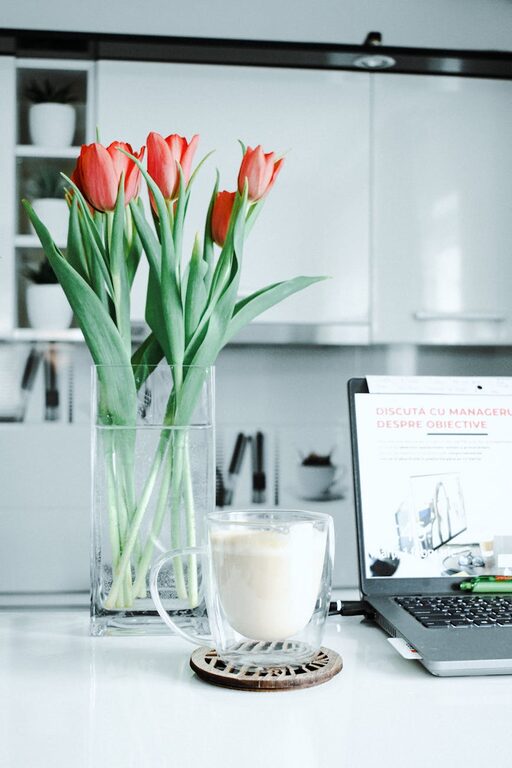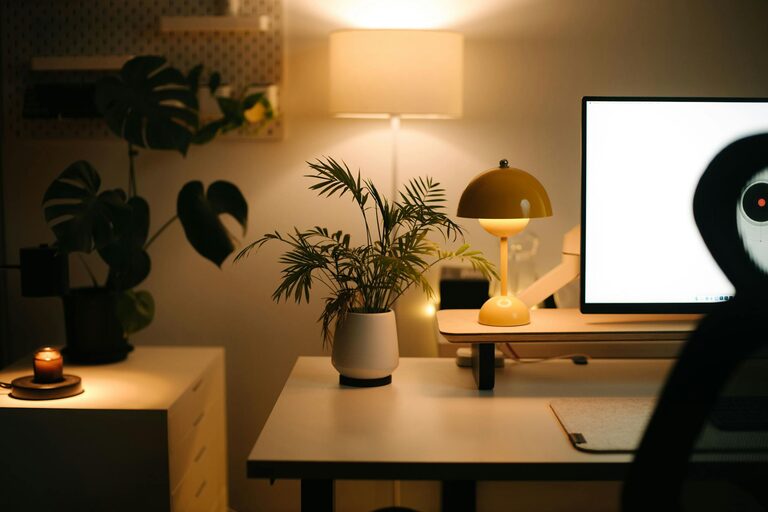


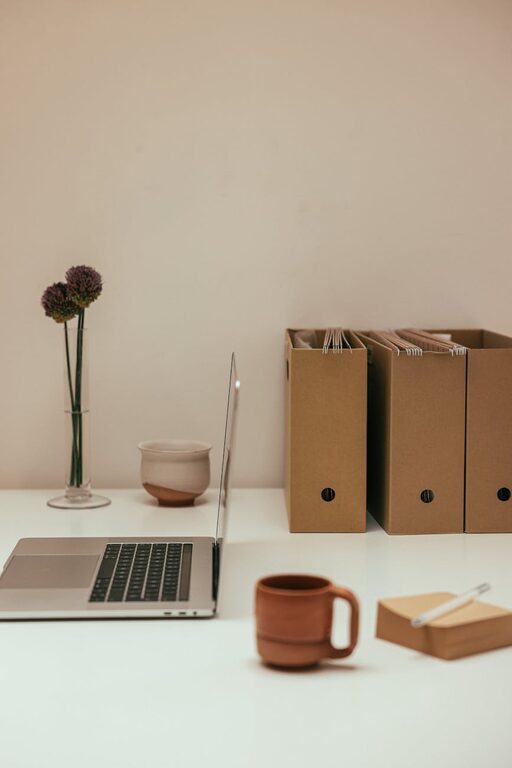
Having a clutter-free workspace at home can make a big difference in how productive and focused you feel throughout the day. Whether you work full-time from home or need a dedicated area for occasional tasks, organizing your space helps reduce distractions and keeps your mind clear. Here are simple, practical tips to help you create and maintain a tidy workspace that supports your best work.
Why a Clutter-Free Workspace Matters
A messy desk or work area can make it harder to concentrate and increase stress because your brain is constantly processing visual clutter. On the other hand, a clean and organized workspace can:
– Improve focus and reduce distractions
– Help you find items quickly
– Increase your motivation to work
– Create a sense of calm and control
Before diving into organization, it’s useful to set a clear goal for your workspace based on your needs.
Step 1: Clear Everything and Start Fresh
The best way to begin organizing is to clear your workspace completely. Remove everything from your desk and drawers, then clean all surfaces thoroughly. This fresh start allows you to:
– Reassess what you really need on your desk
– Get rid of dust and grime, which add to clutter’s visual impact
As you clear, separate items into categories: keep, relocate, donate, or toss.
Step 2: Identify Essential Items
Not everything on your desk is essential for daily work. Keep only the items you use frequently within easy reach, such as:
– Computer or laptop
– Notebook and pen
– Phone
– Planner or calendar
Store other items in drawers or shelves but still in good order.
Step 3: Use Storage Solutions Wisely
Investing in smart storage can help keep your workspace neat without cluttering your desk:
– Desk organizers: Use trays, pen holders, and small containers to keep supplies tidy
– Vertical storage: Shelves and wall-mounted organizers free up desk space
– Drawer dividers: These help separate items and avoid a jumbled drawer
– Cable management: Clips or sleeves can keep cords untangled and out of the way
Select storage options that fit your style and available space.
Step 4: Establish a Paper Management System
Paper clutter is one of the main causes of mess on desks. To keep papers under control:
– Use an inbox tray for incoming documents
– Sort and file papers daily or weekly
– Digitize bills, notes, or receipts when possible to reduce physical copies
– Shred or recycle unneeded papers immediately
Consistency is key when managing paper.
Step 5: Keep Regular Maintenance Habits
Creating a clutter-free workspace isn’t a one-time job. Regular care helps maintain order:
– Spend 5 minutes at the end of each day putting things back in place
– Declutter your desk surface weekly
– Review and reorganize drawers or shelves monthly
– Clean your workspace frequently to keep it inviting
Building these habits ensures your workspace stays productive.
Step 6: Personalize Without Clutter
A workspace should feel inviting but not busy. Choose a few personal items that inspire or comfort you, such as:
– A small plant
– A framed photo
– A favorite mug for pens
Keep decorations minimal to avoid distraction.
Step 7: Optimize Lighting and Ergonomics
While organizing your items, consider your comfort and lighting:
– Position your desk near natural light when possible
– Use task lighting for focused work
– Arrange your chair and screen to prevent strain
A well-lit, ergonomic setup supports long-term productivity and health.
Bonus Tip: Digital Declutter
A cluttered computer desktop or overloaded inbox can also affect your workflow. Regularly:
– Organize computer files into folders
– Delete unnecessary documents and emails
– Use productivity apps and calendars to stay on track
A clean digital space complements your physical workspace.
—
By following these simple tips, you can turn your home workspace into a calm, functional area that supports your work and creativity. Remember, the goal is to create a space that feels organized and welcoming without adding extra stress. Start small, stay consistent, and enjoy the benefits of a clutter-free work environment.