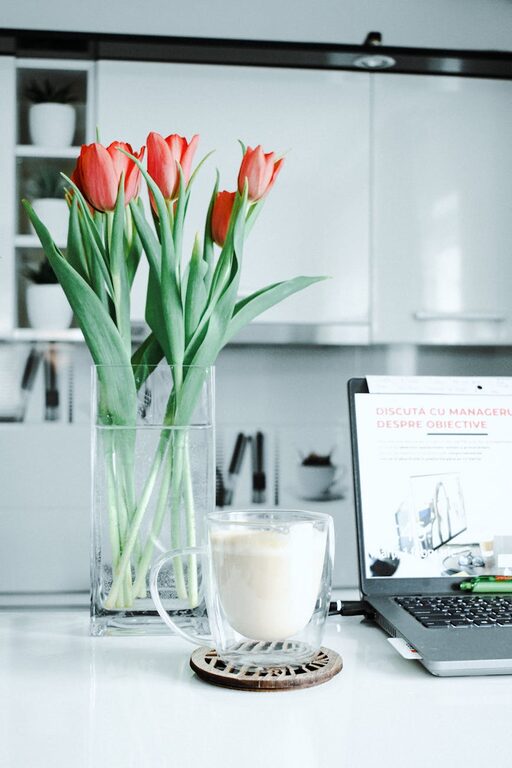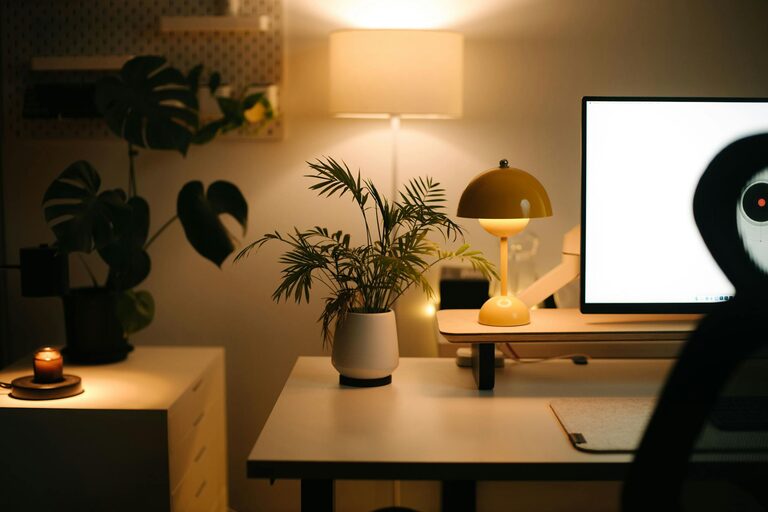


Creating an organized and comfortable home workspace is key to maintaining productivity and a positive mindset throughout your workday. Whether you work from home full-time or occasionally need a spot to focus, a well-arranged area can make a significant difference. This post offers simple tips to help you set up and maintain a workspace that supports efficiency and comfort.
Why Organizing Your Workspace Matters
A cluttered, disorganized workspace can increase stress and decrease productivity. Conversely, an organized space helps you stay focused, reduces distractions, and creates a pleasant atmosphere. When your workspace feels inviting and functional, it becomes easier to dive into tasks and maintain concentration.
—
1. Choose the Right Location
The first step is selecting a quiet, comfortable spot in your home for your workspace. Ideally, this area should:
– Have natural light to help reduce eye strain and improve mood.
– Be away from high-traffic zones to minimize distractions.
– Allow enough space for your desk, chair, and essential equipment.
If space is limited, consider creative solutions like a compact corner desk or a foldable workstation.
—
2. Invest in Ergonomic Furniture
Comfort plays a crucial role in productivity. Investing in ergonomic furniture ensures that your body is well-supported during work hours.
– Chair: Select a chair with adjustable height, lumbar support, and cushioning.
– Desk: Ensure your desk height matches your sitting posture; your elbows should comfortably rest close to your body.
– Monitor placement: Position your computer screen at eye level about an arm’s length away to reduce neck and eye strain.
—
3. Declutter and Organize Your Desk
A tidy desk promotes a clear mind. Follow these steps to declutter effectively:
– Remove unnecessary items and keep only what you use daily.
– Use storage solutions like trays, drawer organizers, and containers to categorize items.
– Keep cables organized with clips or ties to avoid tangling.
Try to clean your desk at the end of each day to start fresh tomorrow.
—
4. Optimize Lighting
Good lighting enhances comfort and focus. Besides natural light, consider these tips:
– Use task lighting such as a desk lamp to illuminate your work area.
– Choose bulbs with soft white light to avoid harsh shadows.
– Adjust screen brightness to reduce glare and prevent eye fatigue.
—
5. Personalize Your Workspace
Adding personal touches can boost your motivation and create a welcoming environment without causing clutter.
– Include plants for a touch of greenery and improved air quality.
– Hang inspiring artwork or photos that make you feel positive.
– Use calming colors like blues or greens to promote relaxation.
—
6. Create Zones for Different Activities
If your workspace allows, designate areas for specific tasks:
– A main desk area for computer work.
– A secondary space for writing or brainstorming, such as a small table or whiteboard.
– A storage zone for supplies and reference materials.
This helps separate different work modes and keep your space organized.
—
7. Manage Digital Clutter
Physical organization is important, but digital clutter can also disrupt productivity.
– Regularly clean your desktop and organize files into folders.
– Use digital tools like calendars and task managers to keep track of deadlines.
– Limit open tabs and applications to those essential for your current work.
—
8. Take Regular Breaks and Keep Movement in Mind
Even in the most organized space, sitting for long periods can cause discomfort and fatigue.
– Set reminders to stand up and stretch every hour.
– Consider a sit-stand desk converter to alternate between sitting and standing.
– Keep a water bottle nearby to stay hydrated throughout the day.
—
Conclusion
Organizing your home workspace is an ongoing process that pays off by significantly improving your work experience. By choosing the right location, investing in comfortable furniture, decluttering purposefully, and personalizing your area, you create an environment that fosters focus and well-being. Small adjustments like optimizing lighting, managing digital clutter, and incorporating movement also add up over time. Start with one or two changes today, and enjoy the benefits of a thoughtful and productive workspace.
—
Remember, your workspace should serve you—so keep tweaking it until it feels just right!